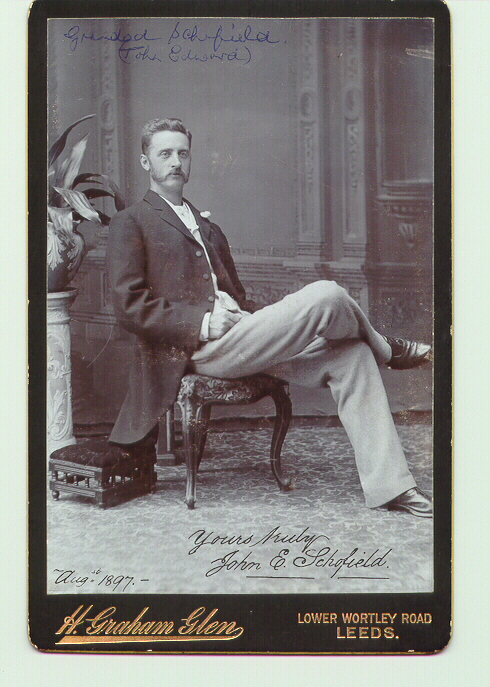
Click on most pictures to get a larger version. When you do this, the large pictures appears in a new tab or a separate window depending on your browser and preferences.
At this point you may need to click on the "X" to get rid of the tab or the new window, or you may need to use the back button
When you look at the Pictorial Tree, click on one of the boxes representing an ancestor. This will either expand the part of the tree you are looking at, or it will link directly to a description of the ancestor.
Example of picture enlargement: CLICK on the little picture to enlarge it.. Then click the browser's back button to return.